AppsTimely
[v1.0]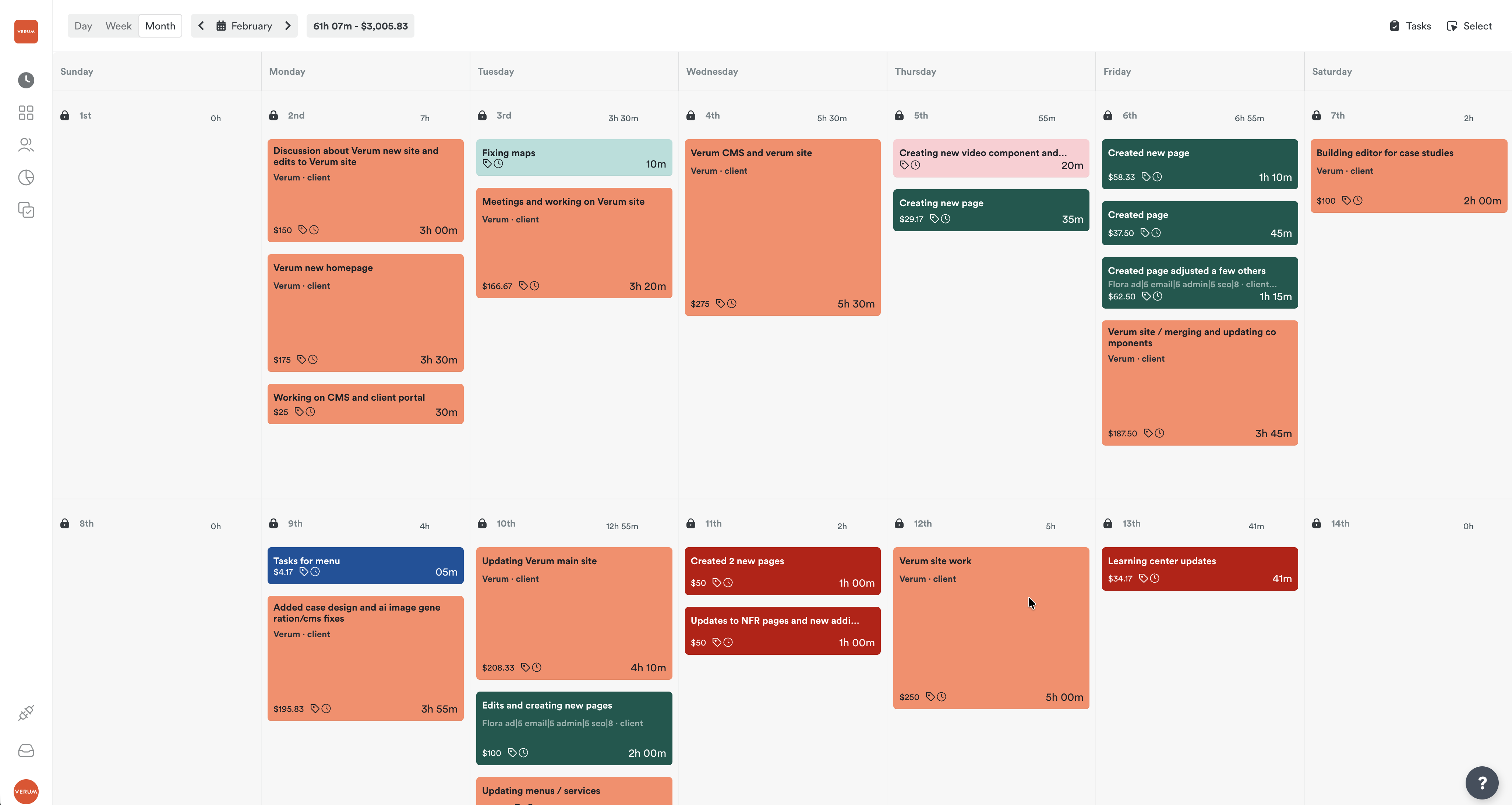
Overview
Automatically track time spent on tasks and meetings with Timely. Task estimates create placeholder time entries and completed meetings log their actual duration.
How it works
When you create a task with an estimated time, Verum creates a placeholder time entry in Timely. When a meeting is marked as completed, the actual duration is logged as a time entry. All entries include the task or meeting title for easy reference.
Configure
- 01Go to Settings > Integrations and click Connect on Timely.
- 02Authorize Verum in your Timely account.
- 03Select a default Timely project to map your workspace to.
- 04Time entries will be created automatically as you work.
Last updated Feb 20, 2026